
HandwrittenFree
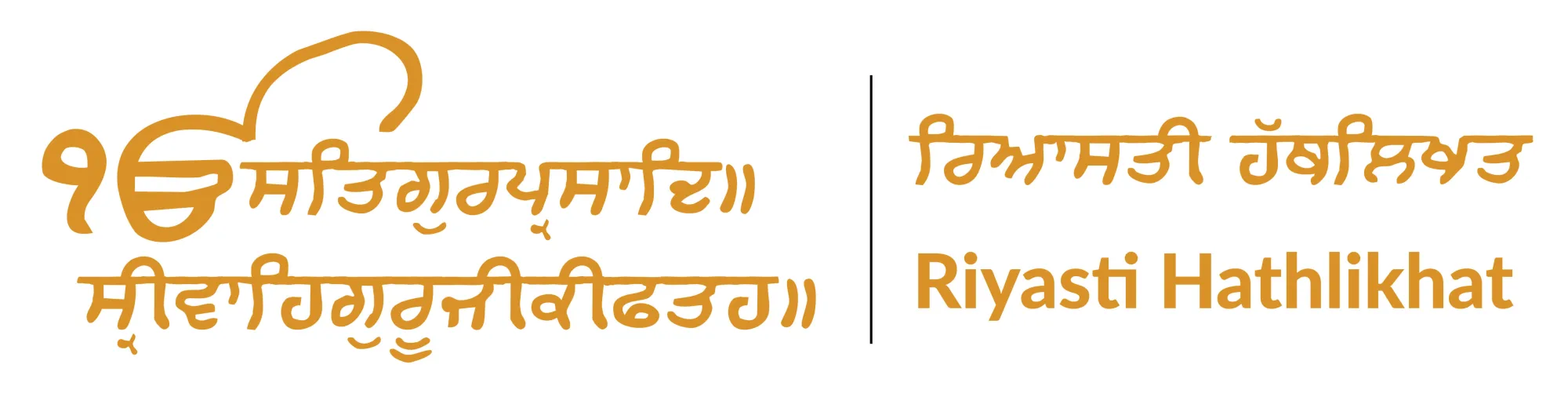
Riyasti Hathlikhatਰਿਆਸਤੀ ਹੱਥਲਿਖਤ
Riyasti Hathlikhat is a unique Gurmukhi font that mimics the look of handwritten text. It adds a personal touch to digital content, making it ideal for gurbani.
A Humble effort to present the handwritten fonts to the Guru Khalsa Panth and the world.
Riyasti Hathlikhat is a unique Gurmukhi font that mimics the look of handwritten text. It adds a personal touch to digital content, making it ideal for gurbani.
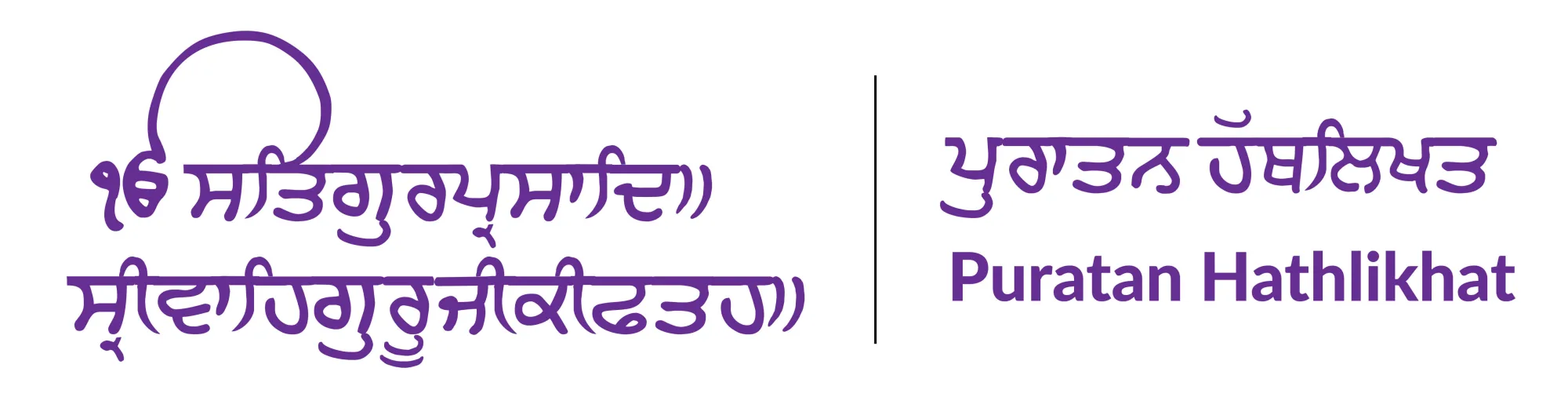
Puratan Hathlikhat Sampuran is an improvement of traditional Gurmukhi font, that captures the essence of historical manuscripts. It is perfect for projects that require an authentic touch.
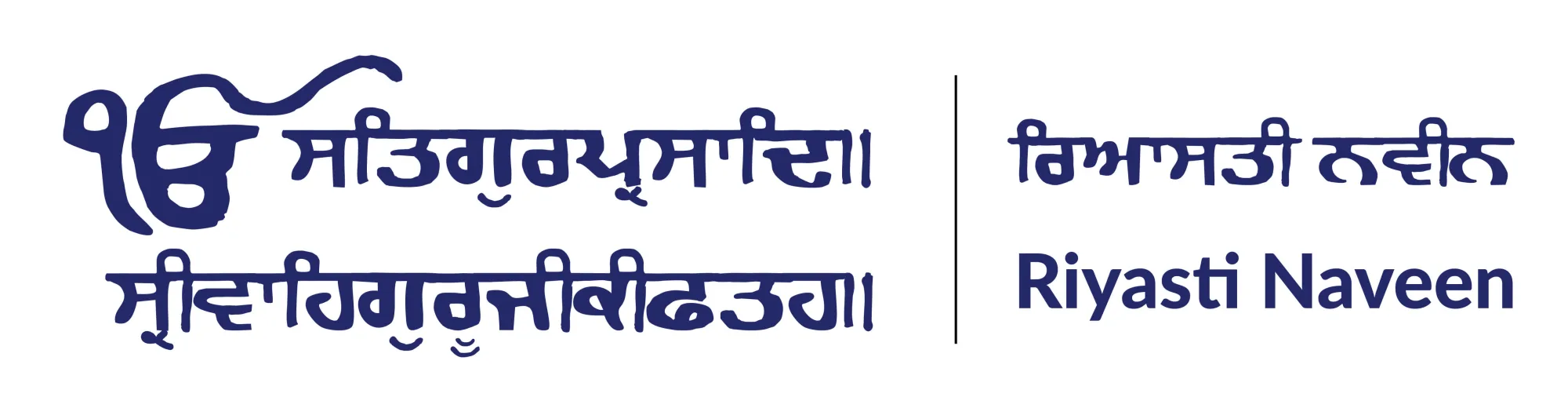
Riyasti Naveen is a modern Gurmukhi font designed for digital use. It features clean lines and a contemporary aesthetic, making it suitable for various applications.
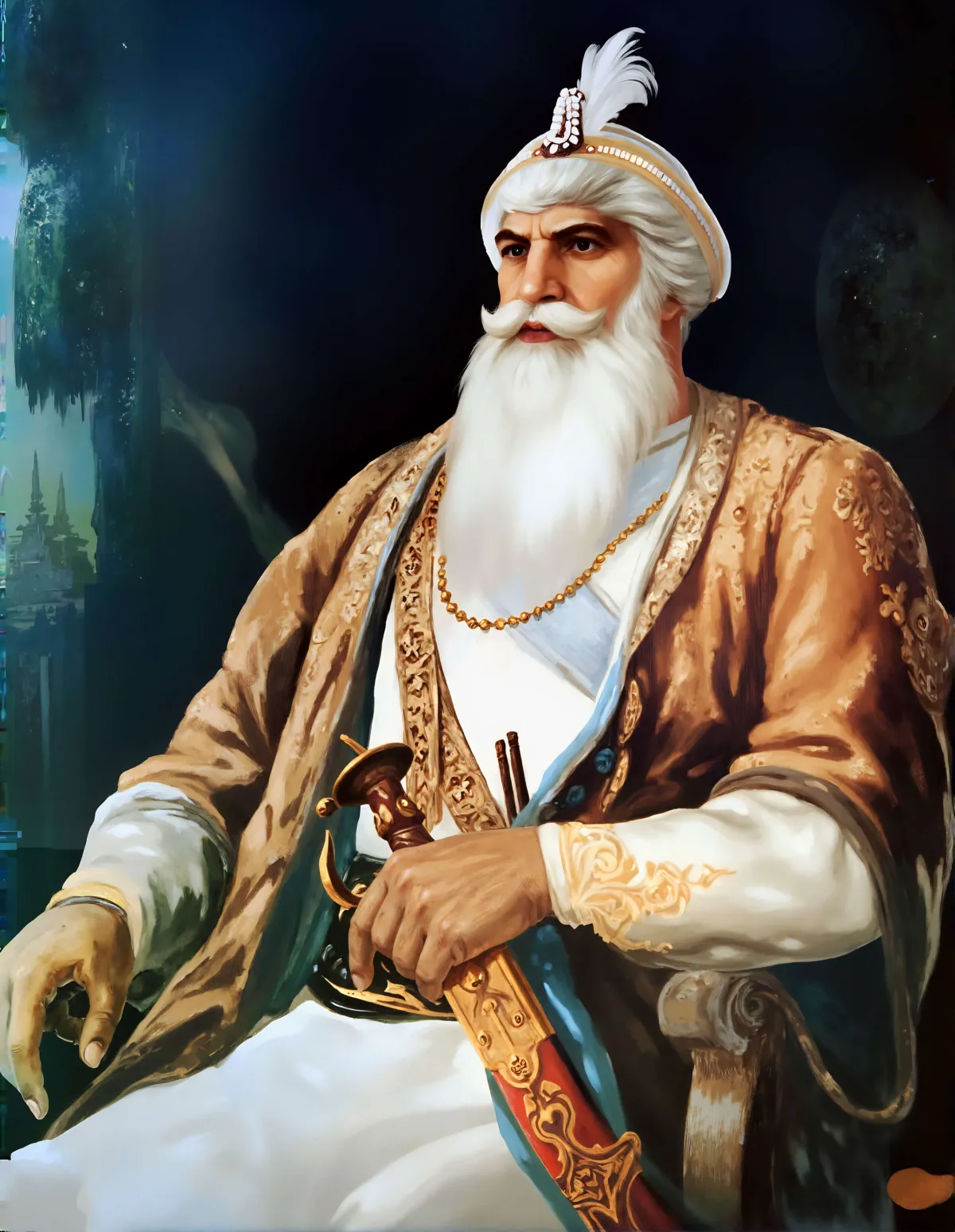
This font is our humble tribute to honor the legacy of Sultan-ul-Qaum Singh Sahib Nawab Jassa Singh Ji Ahluwalia, 96 Krori Panth Patshah Ji 🙏
Download the .zip, unzip it, then follow the steps for your device.